The marks
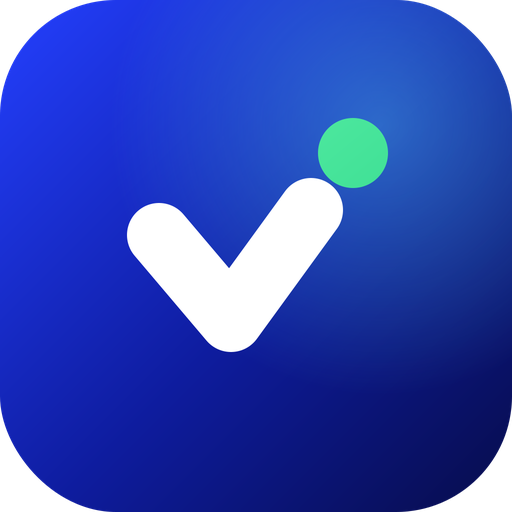
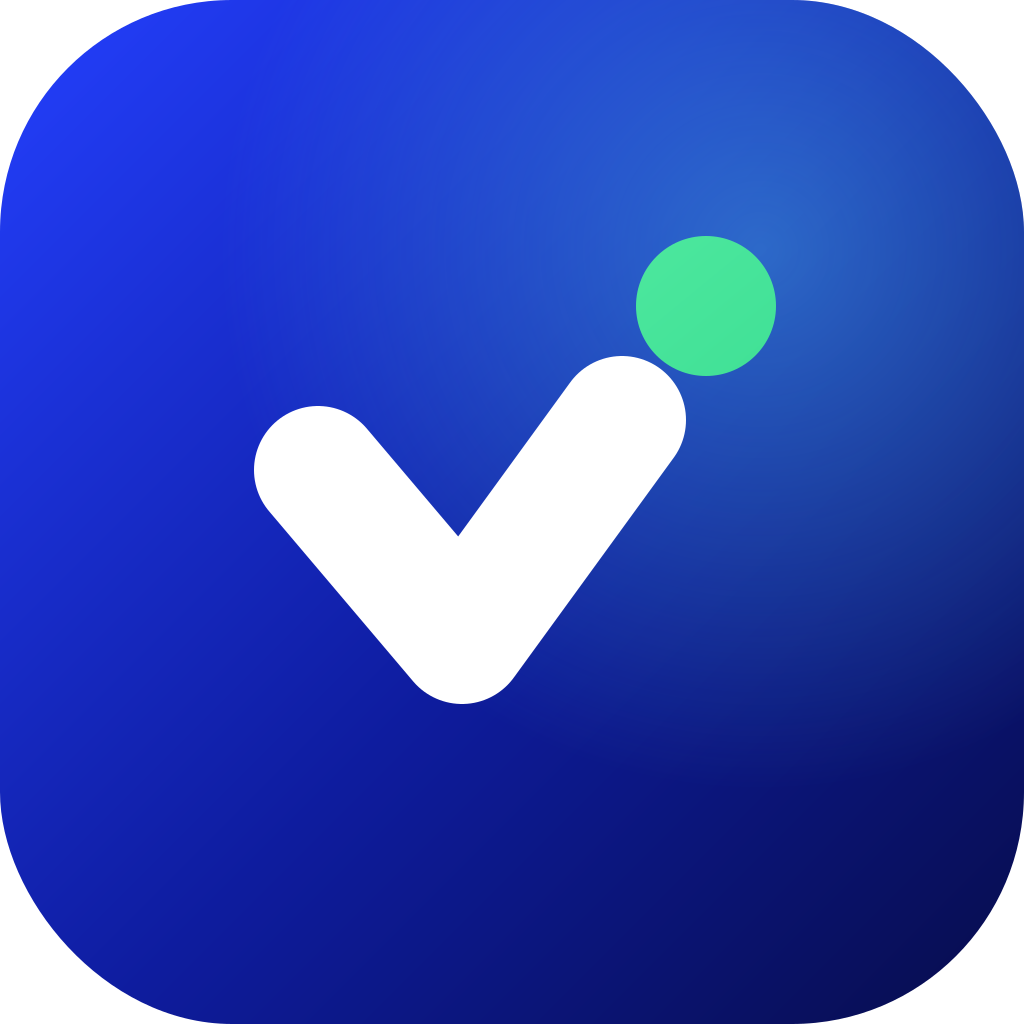
The icon is a tick with a dot: payment confirmed. Use the lockup when there is room for the name and the icon alone when there is not.



Colours
The marks carry their own colours. Use these for text and backgrounds around them.
Cobalt#2440FF
Deep#0E1C9E
Navy#0B1675
Cyan#5CE1FF
Mint#6FFFC8
Using the marks
Write the name as Vital Pay, two words. Say "Vital Pay by KMG Vital Links" the first time it appears on a page. Keep clear space of half the icon height on every side, and show the icon at 24 px or larger and the lockup at 96 px wide or larger.
- Use the light lockup on light backgrounds and the dark lockup on navy or dark ones.
- Keep the marks sharp. Use the SVG when you can.
- Link "Powered by Vital Pay" to our developer page.
Do
- Stretch, rotate, recolour or add shadows to the marks.
- Redraw the icon or change the tick and the dot.
- Place the marks on busy photos or low-contrast colours.
- Write it as VitalPay, Vitalpay or VITAL PAY.
Do not
Powered by Vital Pay
If your product takes payments through Vital Pay you may show the lockup with "Powered by Vital Pay". Copy this to get started.
<a href="https://kmgvitallinks.co.uk/developers">
  <img src="https://kmgvitallinks.co.uk/brand/vital-pay/vital-pay-lockup-light.png"
       alt="Powered by Vital Pay" height="28">
</a>
White-label partners
On the Enterprise tier you launch under your own brand, and your customers see your name and your logo. Whether the Vital Pay mark stays on checkout and receipts is set in your partner agreement. If you need a version that is not in this kit, ask before you make your own.
The parent brand
Vital Pay is part of KMG Vital Links. Where a product needs the parent, show it as the endorsement "BY KMG Vital Links" and use the logo below.